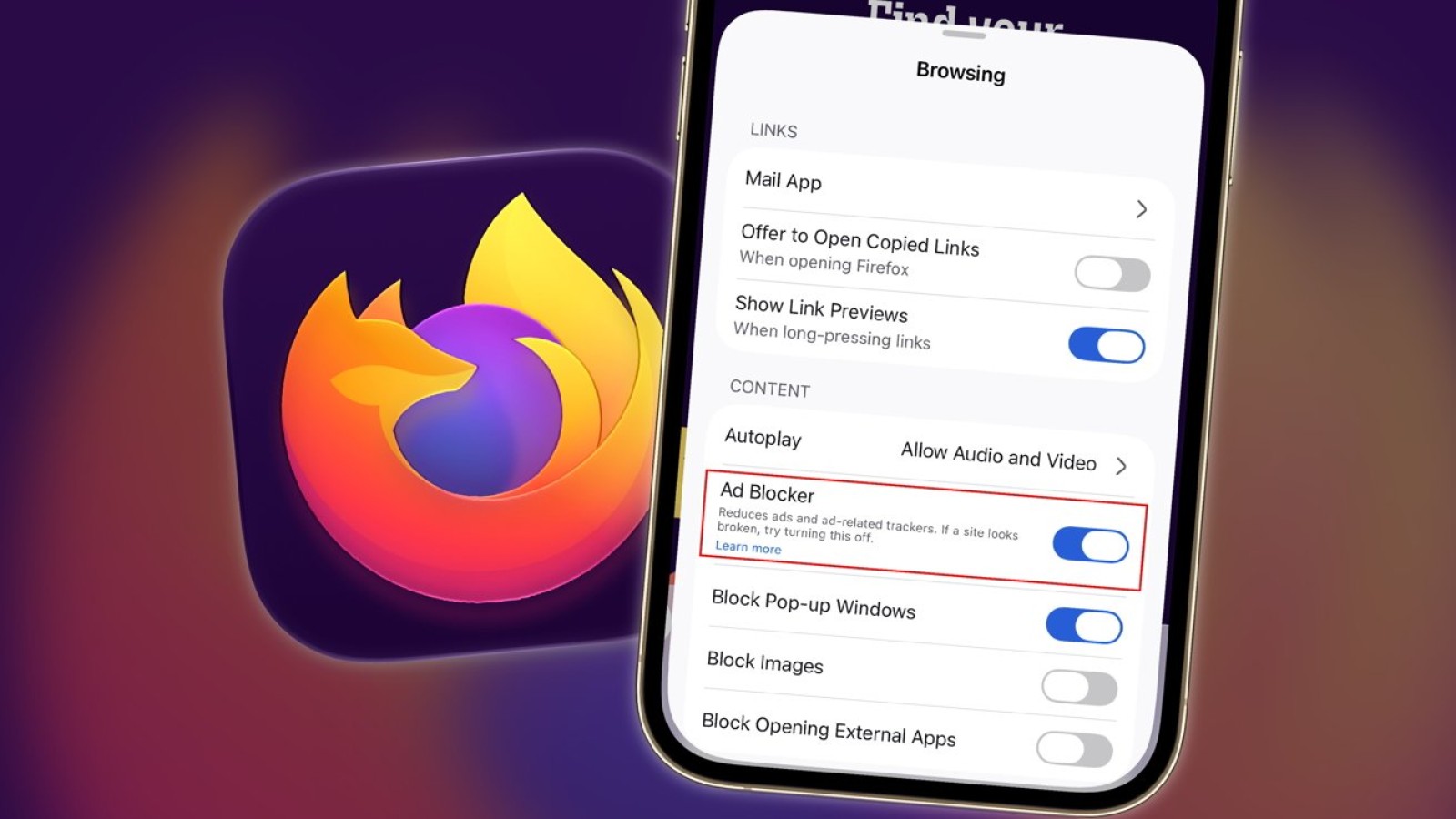
Firefox for iOS is gaining a built-in ad blocker, as Mozilla begins a gradual rollout of the feature to users of its mobile browser. The addition gives people browsing on iPhone and iPad a way to cut down on the volume of advertising they encounter online, while offering greater control over their privacy.
Online advertising has long been a source of frustration for web users. For many years, people have turned to plug-ins such as Adblock to reduce the number of adverts they see during everyday browsing. With this update, Mozilla is bringing that capability directly to its iOS application, removing the need for additional tools.
How the Firefox ad blocker works
The feature was introduced via a support page and is described by Mozilla as a tool to reduce the amount of advertising shown while browsing the Internet. It is offered as an optional setting, meaning users can choose whether to switch it on rather than having it applied automatically.
By building the ad-blocking function into the browser itself, Firefox for iOS aims to make the process more straightforward for people who may not wish to install separate extensions or configure third-party software.
Privacy benefits and limitations
The move is positioned as a way for users to protect their privacy more effectively while online. Reducing the volume of adverts served during browsing can limit some of the tracking and data collection typically associated with online advertising.
However, the ad blocker is not intended to be all-encompassing. Mozilla notes that the tool may be less effective in certain situations, particularly where advertising is more deeply integrated or commercially significant. As such, some adverts may still appear even when the feature is enabled.
The rollout is being carried out gradually, so the option may not appear for every user immediately. Those using Firefox on iPhone or iPad can expect to see the setting become available over time as Mozilla expands access to the feature.
Source
Image: appleinsider.com