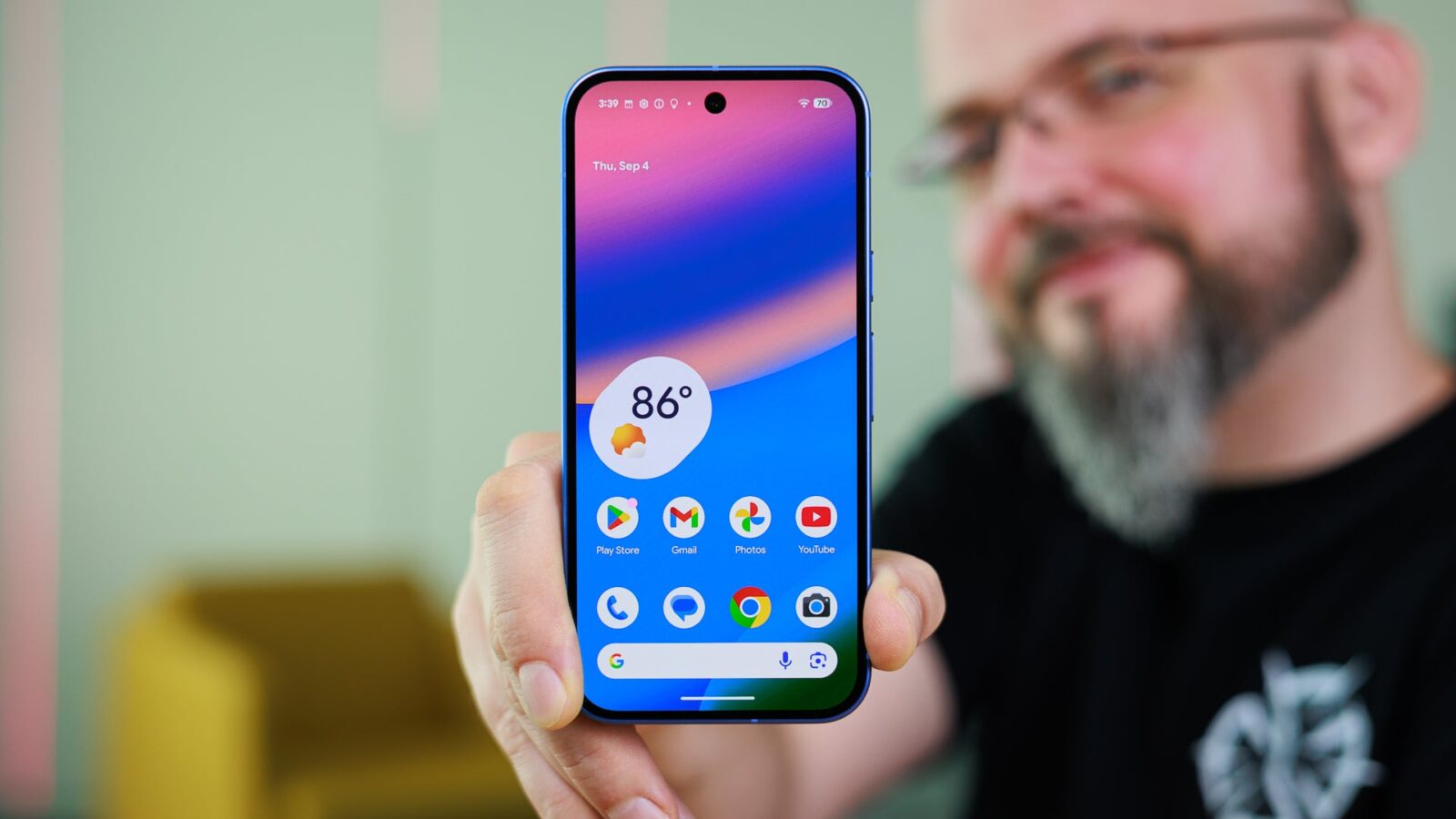
Google Pixel phones could soon gain two significant customisation features, narrowing the gap with Samsung Galaxy devices. Two notable additions have been spotted in the latest Android Canary build, suggesting Google is now placing greater priority on personalisation options for its handsets.
Historically, Samsung devices have offered a wider range of customisation choices than Pixel phones. For example, the ability to add third-party apps to the lock screen has long featured on Galaxy phones but remains unavailable on Google devices. The newly discovered features indicate that this balance may be starting to shift.
Create a custom lock screen clock
Google recently released Android Canary build 2608 for Pixel 6 and newer hardware, bringing several noticeable changes. One of the standout additions is the option to design your own lock screen clock.
Pixel phones already provide eight clock faces, along with the ability to adjust their colour and style. The latest Canary build reportedly introduces a feature that uses AI to create a bespoke clock for the lock screen. According to surfaced images, users would simply enter a prompt specifying the type of clock they want.
The AI prompt window includes two additional tabs: Ideas and Images. The Ideas tab is expected to let the AI suggest clock styles, while the Images tab reportedly opens the gallery, allowing users to select an image as a reference for the desired design.
At present, only the interface of this feature appears to be functional. Running it reportedly returns a “Service not connected” error, indicating a server-side capability still in an early stage of development that is likely to arrive at a later date.
Manage notification icons in the status bar
The latest Android Canary build also reveals the ability to control the visibility of notification icons in the status bar. On Pixel phones, the status bar currently fills with icons from every app that sends a notification. Google now appears to be developing an option to customise this behaviour.
Related strings have reportedly been spotted, pointing to three choices: All, Priority Only, and None. Selecting “All” displays every notification icon, matching the current state. The “Priority Only” option would show only priority notifications, most likely determined by Android’s built-in notification classification system. The “None” option would hide all notification icons from the status bar.
Samsung already offers both features
With these additions, Pixel is playing catch-up with Samsung. The Good Lock app available for Galaxy phones includes a module called ClockFace, which offers extensive clock customisation. It provides numerous faces to choose from, with further options to adjust the font, colour and design.
Both features were spotted in Android Canary build 2608, which is compatible with the Pixel 6 and newer hardware.
Source
Image: phonearena.com