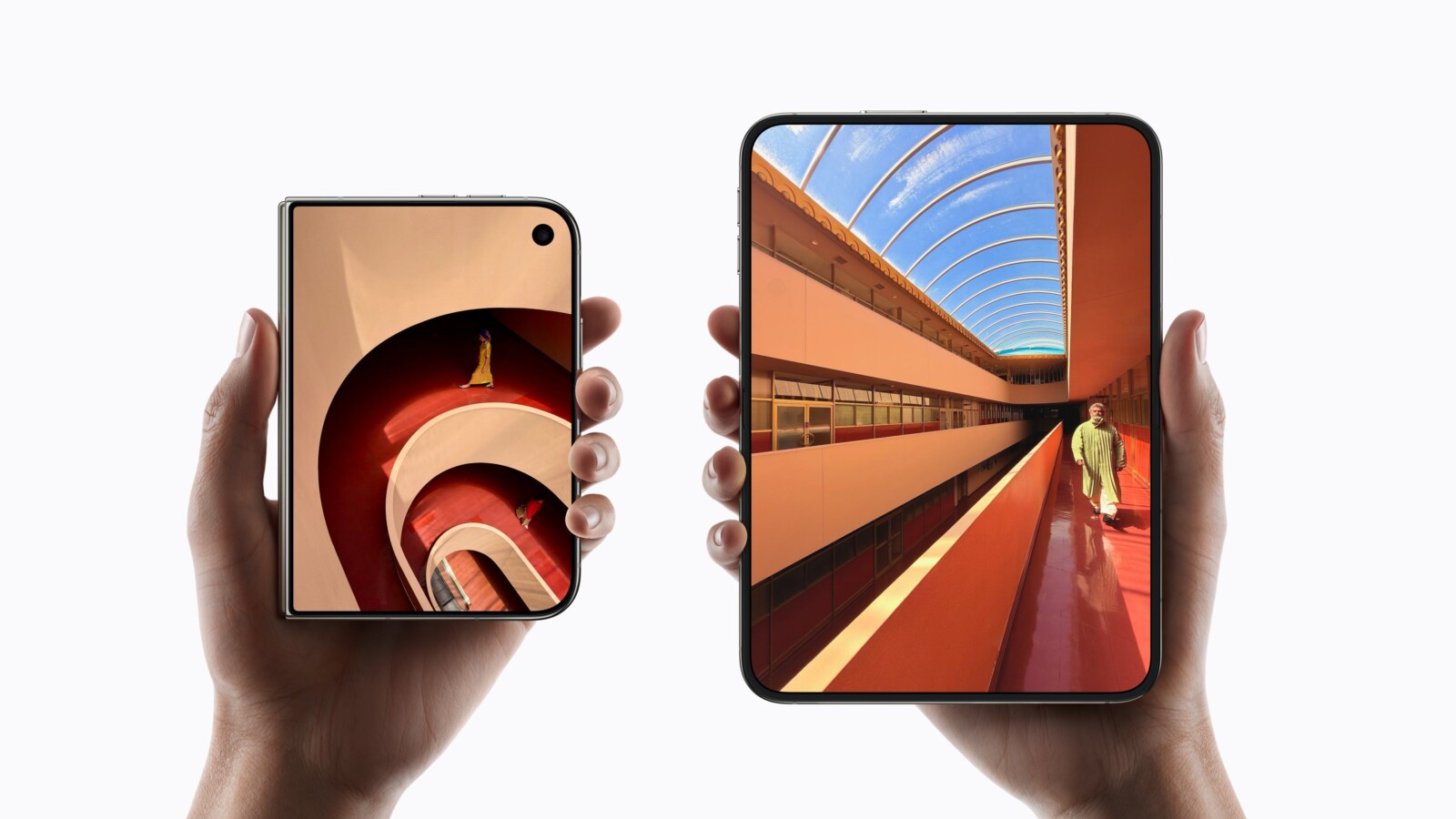
The iPhone Duo has become the subject of a widely shared left-handed test, after a reviewer demonstrated Apple’s foldable being operated one-handed. The clip has been circulated as evidence that left-handed users will have no trouble with the device, yet the demonstration does not resolve the wider concerns raised since the Duo was announced on 9 September.
In the video, the reviewer worked one-handed on the 5.4-inch cover display and was able to reach across to the app dock positioned on the right side. However, the test stops there. The phone is never unfolded to demonstrate the dock on the 7.6-inch inner display, which is precisely the area left-handed users have questioned.
Where the iPhone Duo controls sit
Apple describes the folded Duo as compact and comfortable to hold, with essential controls moved to the side for easier reach. That description reads differently depending on which hand is holding the phone. Touch ID is built into the side button, and Apple confirmed that the dock, the Lock Screen controls, and app navigation all sit along the side of the display, which on the Duo is the right side.
Because app navigation and controls have also been moved to the side, the tabs and buttons usually found along the bottom of an app follow the dock across. These are elements a user would reach for throughout the day, rather than occasionally, which means the placement affects more than simply opening an app.
Unlocking and interface mirroring
Unlocking presents a mixed picture. Touch ID in the right-side button is a straightforward thumb press for a right-handed user, while a left-handed user must either stretch a finger around the edge or switch hands. Apple does allow the Duo to be unlocked with an Apple Watch, which offers an alternative for those who already own one.
The dock and the button represent two distinct challenges. iOS already knows how to flip its entire interface, as it does for languages read right to left, such as Arabic and Hebrew. Apple’s design guidelines ask developers to build layouts that mirror accordingly, placing buttons at the leading or trailing edge so they adapt automatically. Apps built with Apple’s own tools therefore already position their controls in a way that can shift with the interface.
The iPhone Duo is being compared with rivals including the Galaxy Z Fold 8 and Pixel 11 Pro Fold as buyers weigh how the layout suits their preferred hand.
Source
Image: phonearena.com