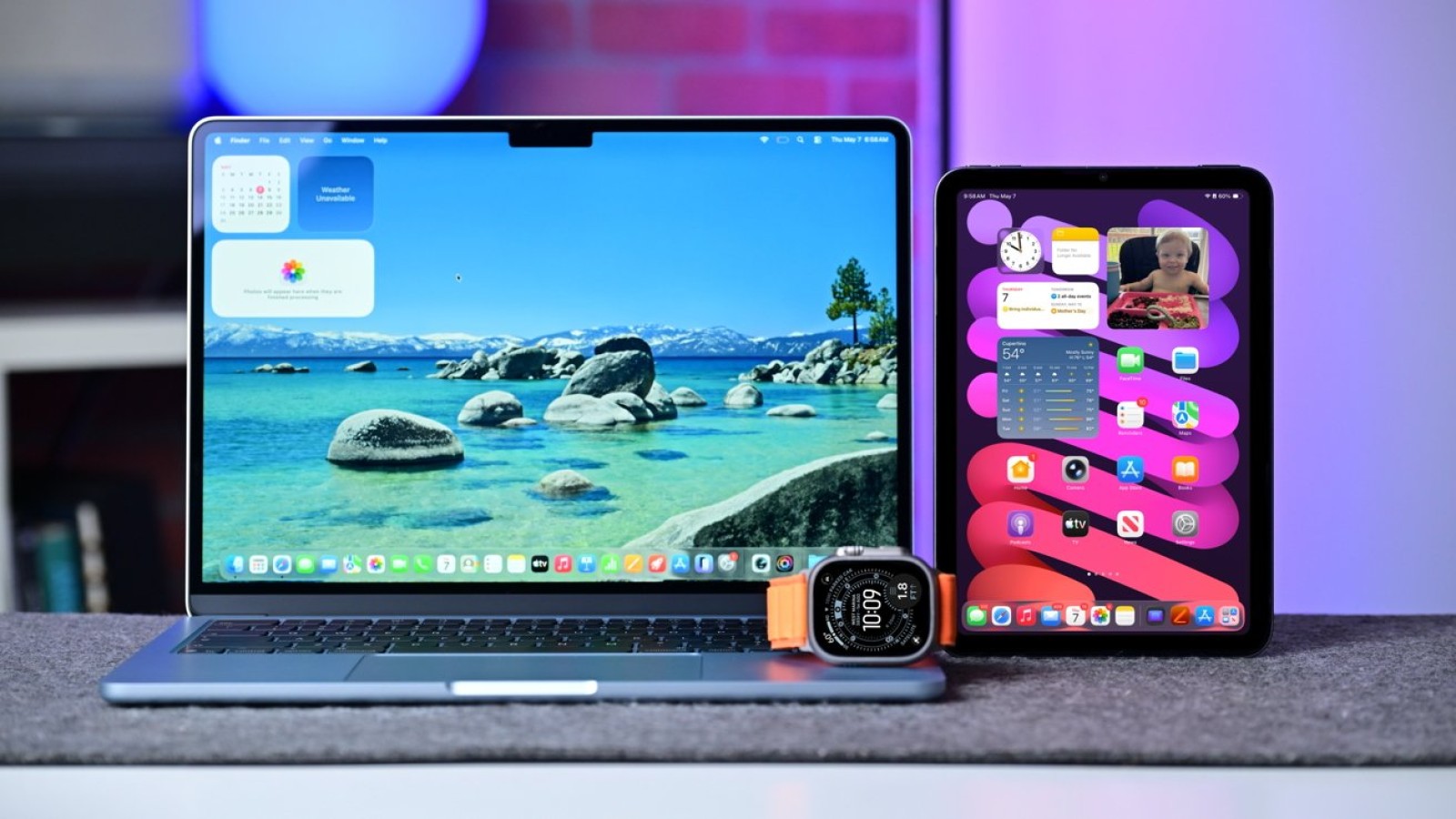
Apple Continuity takes a significant step forward with the OS 27 releases in 2026, moving beyond simple handoffs to carry Siri conversations and live Mac content across supported devices. The updates expand how Apple products share activities, displays and personal context, keeping more of what you were doing intact as you switch between screens and hardware.
The headline additions centre on two capabilities. Siri can now synchronise conversation history across supported personal devices, so an interaction started on one product can continue on another. Meanwhile, a new Spatial Preview feature allows Mac apps to send live documents and 3D content directly to Apple Vision Pro, giving users a way to view and work with material in a spatial environment.
What Continuity now does
Both features are designed to preserve context as the screen, controls and hardware change. Where Continuity was once limited to handing off a webpage, a call or a clipboard item, it now covers a wider range of tasks. The goal is to reduce interruptions when a user moves from a Mac to an iPhone, iPad or Apple Vision Pro.
Apple uses Continuity to determine which trusted device can provide an activity, display, camera, connection, credential or piece of personal context at any given moment. This makes the system a coordinating layer across an individual’s collection of products rather than a single-purpose feature.
How devices are recognised
Ownership is established through an Apple Account, which ties the devices together under one identity. From there, proximity and authentication determine which products can take part in a given handoff or shared activity. That combination is what allows Continuity to decide securely which nearby device is best placed to handle a task.
To use the new features, users need supported devices running the OS 27 software. Siri conversation history synchronisation works across supported personal devices, while Spatial Preview requires a Mac paired with Apple Vision Pro to send live documents and 3D content between them.
Source
Image: appleinsider.com