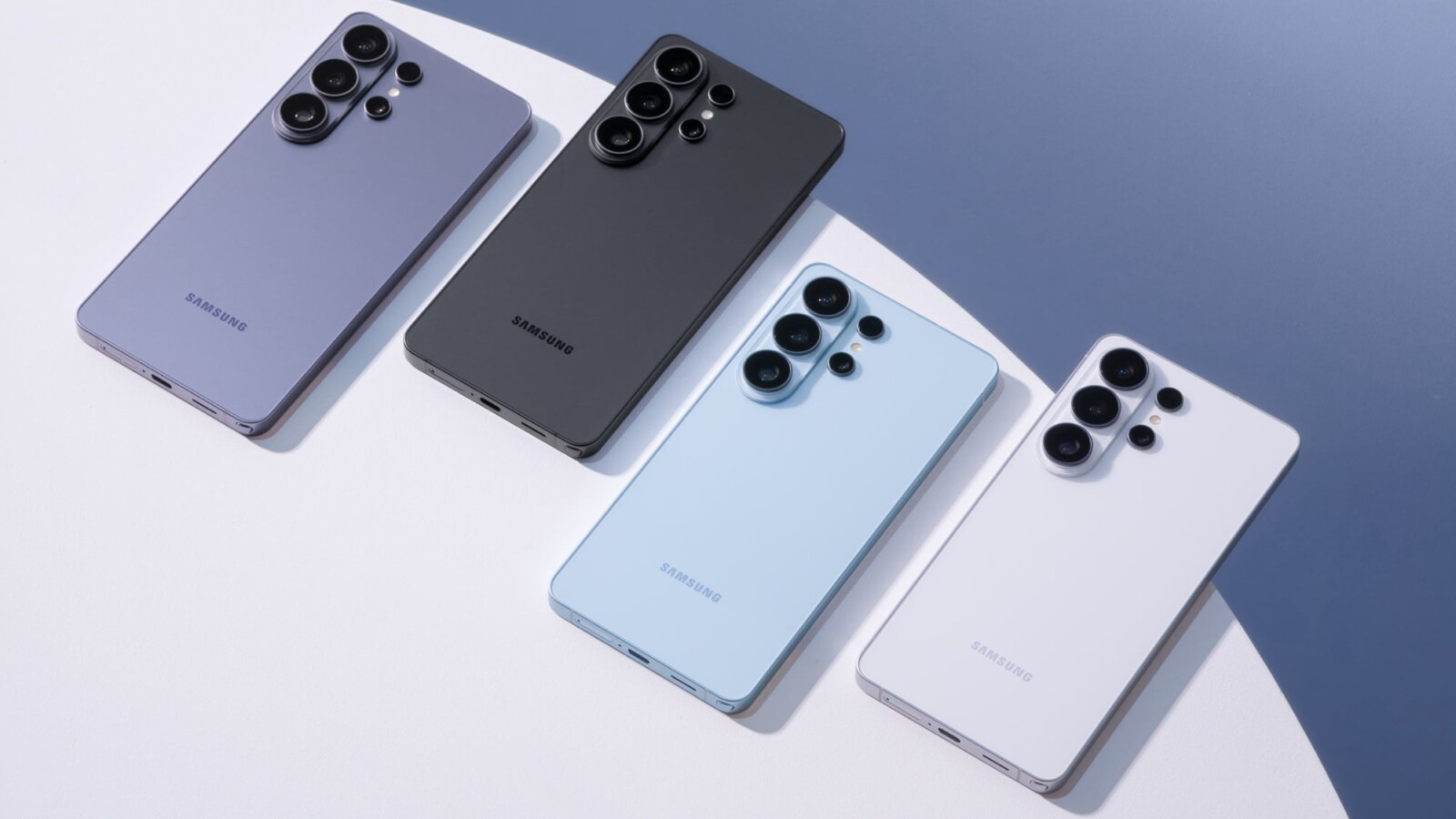
Samsung Gallery is switching its photo backup service from OneDrive to Google, giving owners of the Galaxy S26 Ultra and other Galaxy handsets a familiar new home for their images. With OneDrive sync ending on 30 September, users will soon be able to back up directly to their Google account, in much the same way Pixel 11 Pro owners already do.
An updated Gallery Cloud Sync service, version 1.6.09.31, has appeared on the Galaxy Store, published by Samsung. The listing states that the service backs up photos and videos to Google Cloud. Google has also added a new support page explaining how Samsung Gallery syncs with a Google account. The changeover is expected to go live on 1 October, immediately after OneDrive support ends, though that date has not been confirmed.
What Google sync changes for Galaxy photo backups
For most Galaxy owners, this should be a relatively quiet swap, as photos will simply be saved to Google’s cloud instead of Microsoft’s and will also appear in Google Photos. However, the new sync behaves differently from OneDrive in several respects.
Everything backed up is stored in its original quality and counts against your Google account storage. Deleting a photo in either Gallery or Google Photos removes it from both apps and from the cloud. Moving a synced photo into a Private Album on your device permanently deletes the cloud copy, skipping the trash entirely. Photos brought in through Gallery will not appear in Google Photos features such as Memories or Search unless they are also backed up using the Google Photos app.
Gallery apps from OnePlus, Oppo, Realme and Xiaomi gained Google Photos integration in 2024, while Pixel phones use Google Photos as their gallery by default. Owners of a Pixel, a OnePlus handset or an iPhone, which backs up to iCloud, will see no change, but Samsung is now aligning with what most of its Android rivals already offer.
Who should act before OneDrive sync ends
Anyone relying on the current OneDrive sync should ensure the photos they care about are either downloaded to their phone or accessible within the OneDrive app before the deadline. It is also worth remembering that Google’s free tier offers 15GB shared across Gmail, Drive and Photos, so a large photo library will likely require a paid plan.
To turn on Google sync in Samsung Gallery, open the app, tap the Menu button at the bottom right and select Settings. Then tap Sync photos and videos, choose the Google account you wish to use and grant permission.
OneDrive sync inside Samsung Gallery will cease operating on 30 September.
Source
Image: phonearena.com