Deciding what to do with an old iPhone or iPad is not always straightforward. A retired device may still have years of useful life left, but choosing the wrong second act can turn ageing software into a genuine security risk. Knowing when a device deserves a new job, a new owner, or a trip to the recycler helps you make the most of the hardware without exposing yourself to unnecessary danger.
Why Apple devices can be repurposed
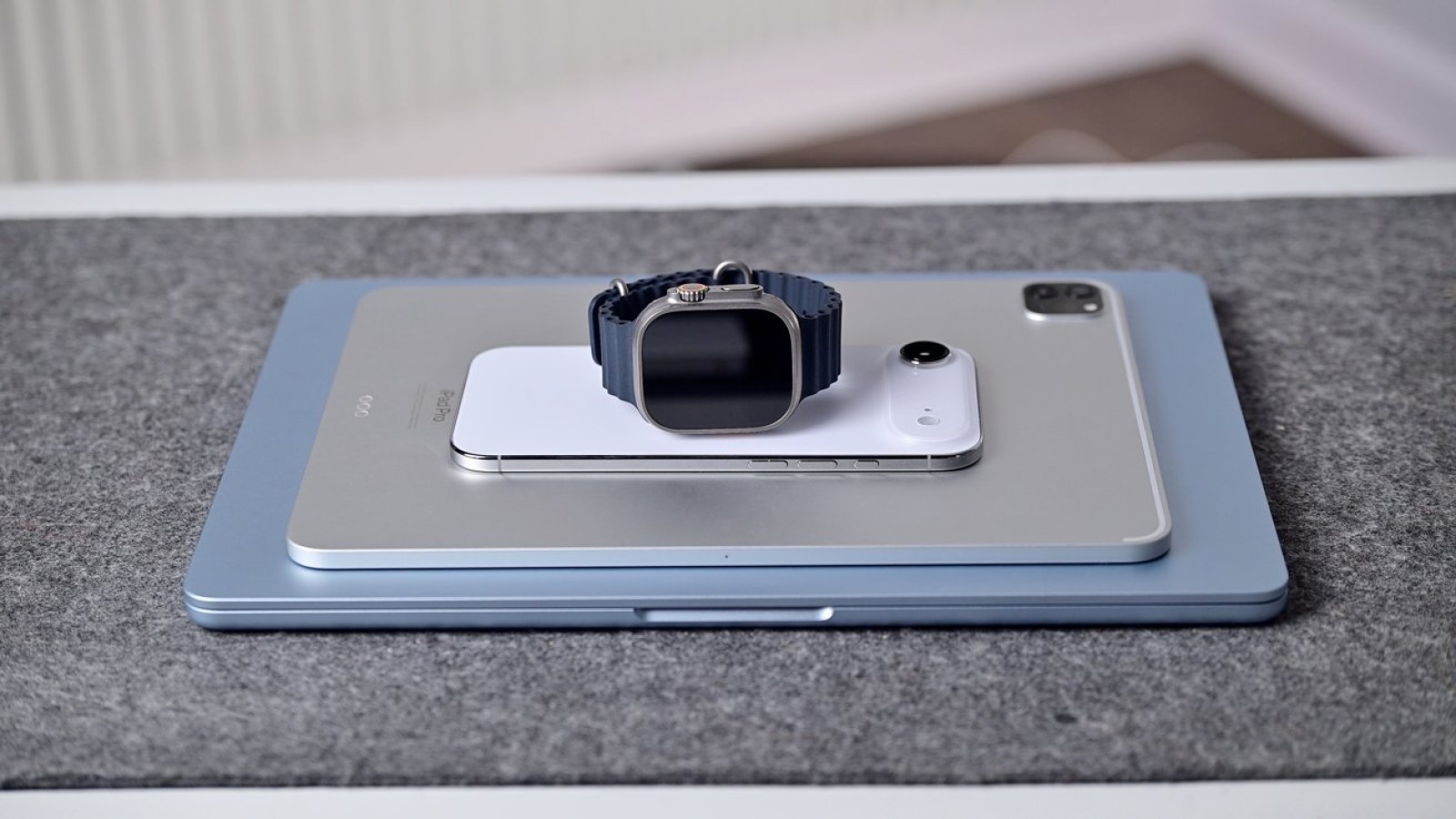
Most retired Apple devices still have a working display, usable cameras and enough battery life to handle undemanding tasks. With a little creativity, that hardware can be kept out of a drawer and put to practical use rather than left to gather dust. Repurposing an older device can also save money and postpone another purchase.
Novelty alone, however, does not make a project worthwhile. A second life is not automatically useful or responsible, so it is worth weighing what the device will actually be used for before committing to a new role.
Balancing usefulness against security
Some repurposing ideas offer real value with limited risk. Using an iPad solely as an e-reader, for example, provides genuine benefit while keeping security exposure to a minimum. Lightweight, self-contained tasks tend to be the safest way to extend the life of older hardware.
The picture changes once a device stops receiving security updates. An iPhone that no longer gets these updates should not remain signed into messaging services, banking apps, saved passwords, or smart-home controls. Keeping sensitive accounts active on unsupported software increases the risk of compromise, which is why the intended use should always guide the decision.
When a device can no longer be used safely or repurposed for a low-risk task, selling it on or passing it to a recycler becomes the more sensible option. An iPhone that no longer receives security updates should not stay signed into messages, banking apps, saved passwords, or smart-home controls.
Source
Image: appleinsider.com