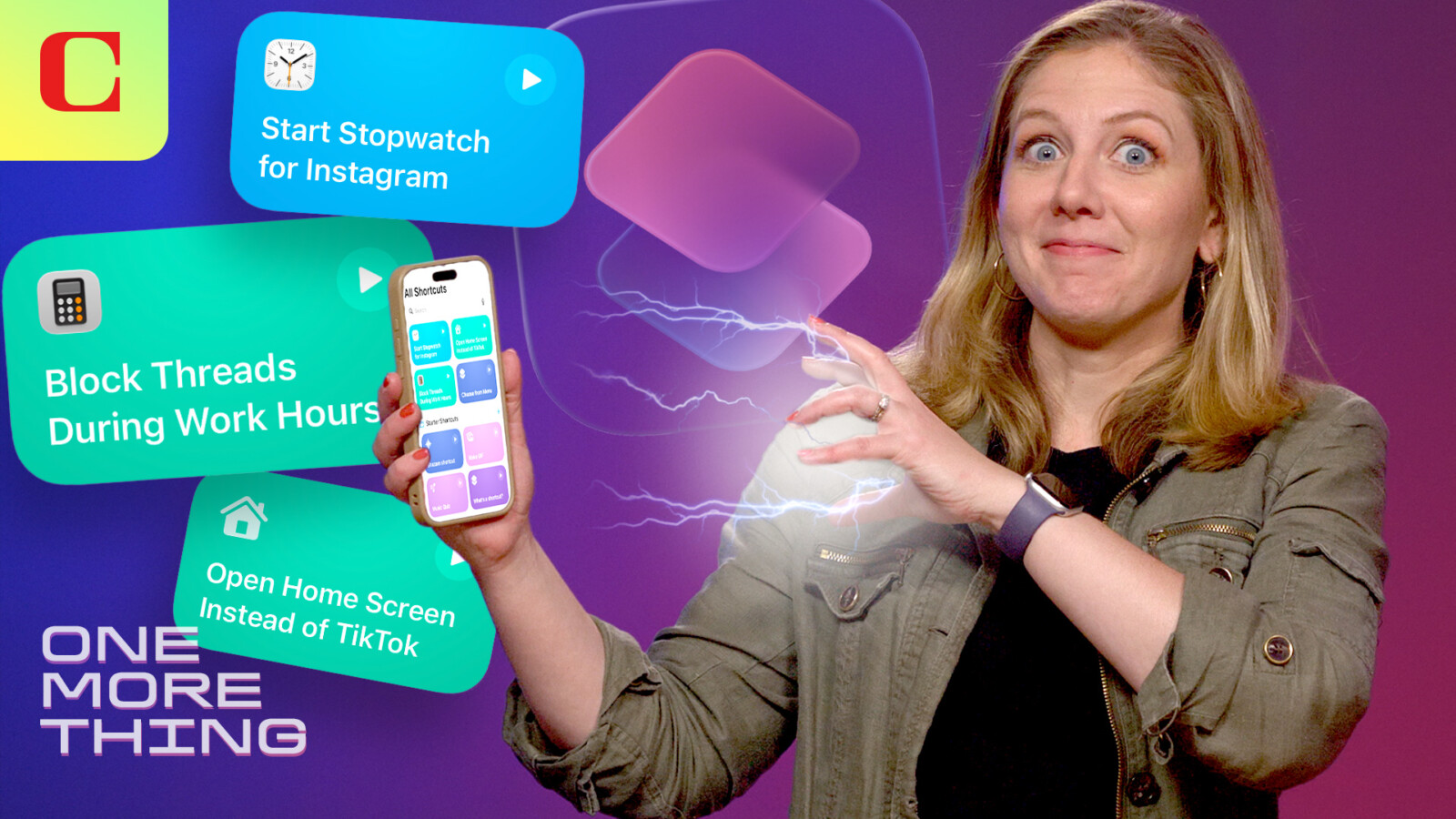
iOS 27 introduces a refreshed Shortcuts app that can help iPhone owners rein in compulsive social media use. Currently available in beta, the updated software allows users to program their handset using ordinary, everyday language rather than complex menus or coding.
The standout addition is a feature called Describe a Shortcut. Instead of manually assembling a series of commands, users can simply speak or type what they want the app to do, and the iPhone carries out the instruction. This natural-language approach lowers the barrier for those who have previously found the Shortcuts app difficult to navigate.
Blocking Apps During Work Hours
One practical application involves instructing Shortcuts to prevent access to selected apps at specific times. For example, users can tell the app to stop them opening Instagram, Threads or TikTok during working hours. The result is a phone that effectively refuses to launch those apps when the user is meant to be focused, offering a straightforward way to break the habit of endless scrolling.
This method sits alongside Apple’s existing tools for managing screen habits. The Screen Time app already offers numerous options for limiting social media use, including app timers and downtime settings. The new Shortcuts capability provides an alternative route for those who prefer to customise restrictions in their own words.
A Do-It-Yourself Alternative
Reprogramming an iPhone through Shortcuts also serves as a free substitute for third-party services that deliberately restrict phone functionality. Some companies charge users to “brick” their devices temporarily as a form of digital discipline. By contrast, the Describe a Shortcut feature lets owners achieve a similar outcome at no additional cost, using tools built directly into the operating system.
While app-blocking may not have been the primary purpose Apple envisioned for the revamped Shortcuts app, it demonstrates the flexibility of the natural-language system. The feature can be adapted to a wide range of tasks beyond limiting social media, giving users considerable freedom to tailor their device to their daily routines.
The refreshed Shortcuts app and the Describe a Shortcut feature are part of the iOS 27 beta programme ahead of the software’s wider release.