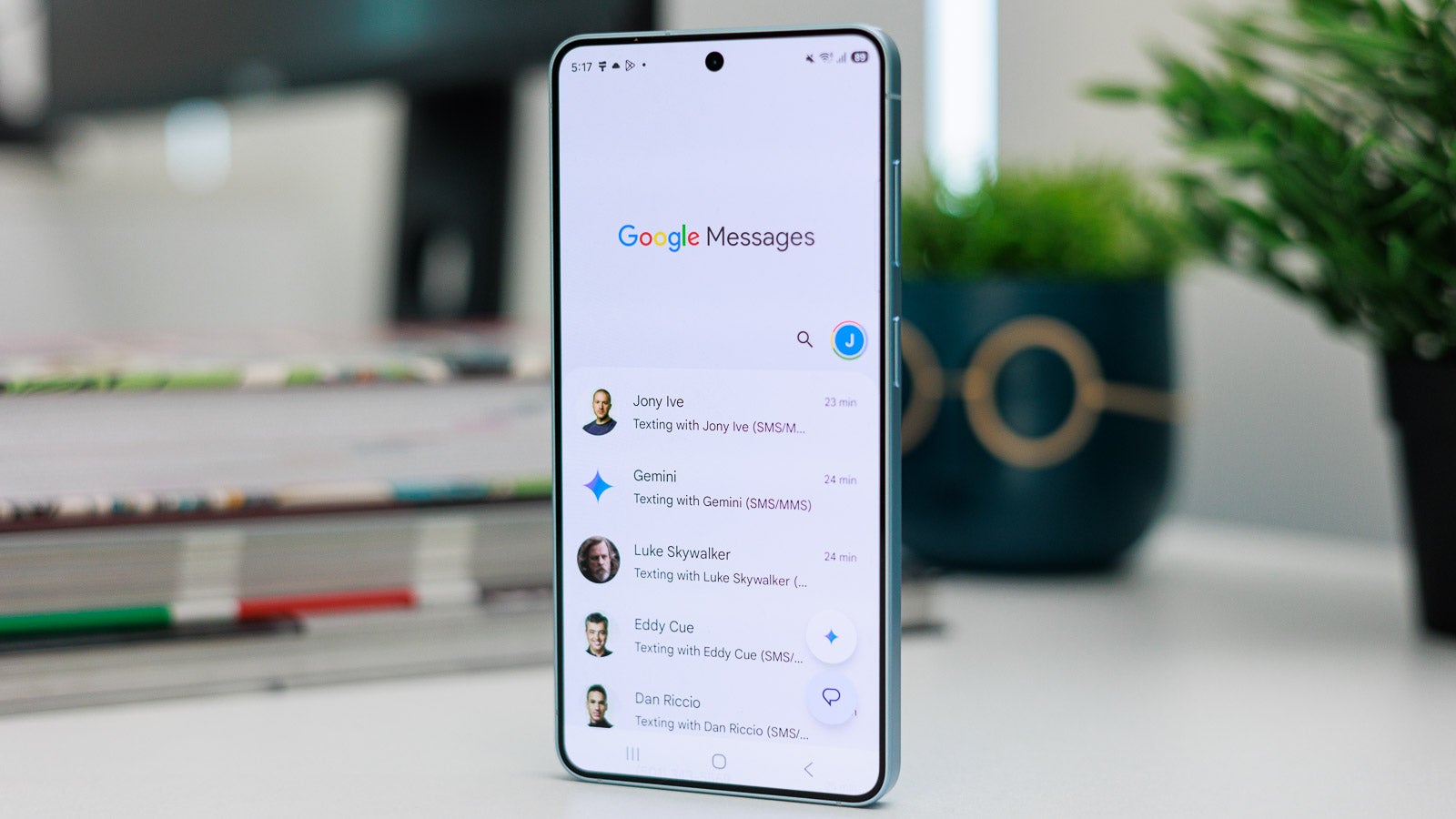
Google Messages has gained one of its most requested features, letting users apply custom chat themes and backgrounds to their conversations. The update addresses a long-standing gap that many former Samsung Messages users noticed after switching to the app.
With RCS messaging, end-to-end encryption and other tools, Google Messages is regarded as one of the leading messaging apps on Android. It is now also the default option on Galaxy handsets, including the Galaxy S26 Ultra, following the closure of the Samsung Messages app.
Custom themes and backgrounds arrive
Reports of new personalisation settings had circulated for some time, with beta users spotting the option to change the chat theme and set a custom background back in June. Google has now confirmed in a blog post that users can personalise conversations using custom backgrounds and themes. As an example, you can set a family group photo as the background for a chat containing all your family members.
A notable detail is that the chosen chat theme remains private to the person who created it, rather than being applied to everyone in the conversation. This differs from the earlier colours menu, where a change made by one user was forced on all participants. Google notes that RCS must be enabled to use the new personalisation features.
How to change a chat theme and background
The process is straightforward, but first update the app to its latest version to make sure the feature is available on your device. Once updated, open Google Messages and tap on an RCS conversation you want to customise. Tap the three-dot icon in the top-right corner and choose “Chat theme” from the menu.
Under the Colours section, you can select a colour for your messages. Press the “Choose a photo” button and select an image from your gallery to set as the chat background, then tap “Apply” in the top-right corner to save your changes. If you do not have a suitable photo, you can pick from one of the themes that Google provides.
A long-requested change
Users had been asking for this option for a considerable time. When the Samsung Messages app was shut down, all its users were asked to move to Google Messages, and many were unhappy about the switch. The addition of custom themes and backgrounds closes one of the most noticeable feature gaps between the two apps, and it works across RCS conversations once the app is updated to the latest version.
Source
Image: phonearena.com