macOS Tahoe 26.4 introduces a change to the login Keychain that prevents users from manually copying it between Macs. Apple has strengthened Keychain security by binding it to device-specific Secure Enclave keys, meaning a login Keychain moved to another machine can no longer be used as it was before.
The adjustment reflects Apple’s ongoing efforts to harden its operating systems against increasingly sophisticated threats. Attacks targeting Mac users have grown more advanced over time, and the rise of artificial intelligence has widened the scope for new malware and fresh intrusion techniques. In response, Apple continues to raise the security bar across its software, though such measures can create additional work for those responsible for managing Mac fleets.
How the Keychain Change Works
By tying the Keychain to hardware-level keys held within the Secure Enclave, macOS Tahoe ensures that credential stores are tightly bound to the device on which they were created. This design makes it far harder for an attacker who obtains a copy of the Keychain to make use of its contents on separate hardware. The trade-off is that the previously straightforward practice of copying login Keychain files from one Mac and using them on another no longer functions as expected.
Guidance published on 8 September noted that it was not possible to manually copy login Keychain files from one Mac to another and continue using them on the new machine. The credentials remain locked to their original device through the Secure Enclave binding.
Impact on Administrators and Migration
For everyday users, the change largely operates in the background, tightening protection around stored passwords and secure data. For system administrators and those handling migrations between machines, however, the new behaviour represents a shift in established workflows. Manual transfer of Keychain files, once a practical option, is now curtailed by the device-specific nature of the encryption.
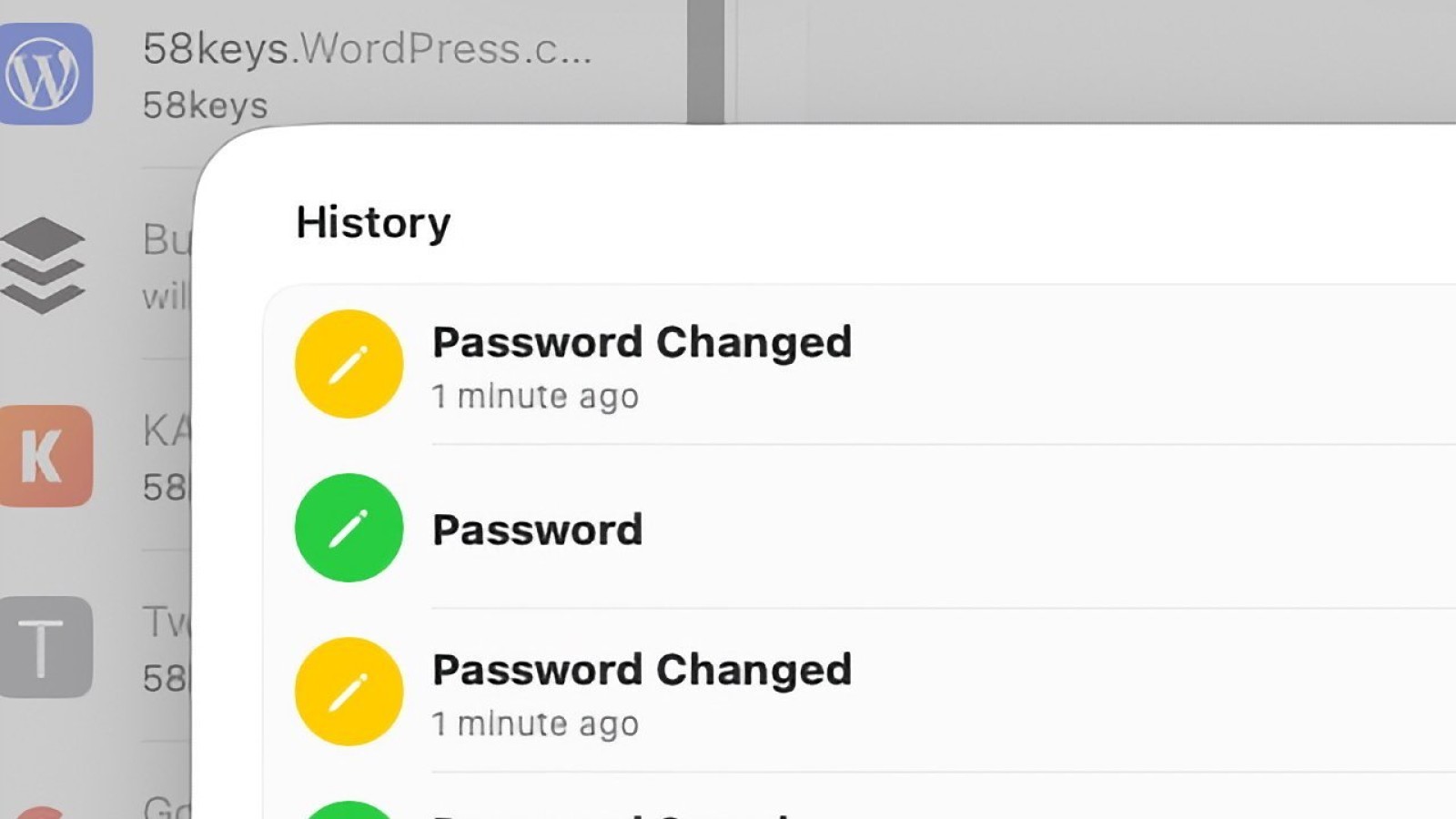
The move aligns with broader developments in Apple Passwords, including the way password versioning is handled. As Apple layers additional safeguards into its credential management, the emphasis remains on keeping sensitive information tethered to trusted hardware rather than allowing it to be freely relocated. The login Keychain in macOS Tahoe 26.4 is bound to the Secure Enclave keys of the Mac on which it was established.
Source
Image: appleinsider.com