ChatGPT Images 2.5 has arrived, introducing a new way to guide the artificial intelligence when generating pictures. OpenAI announced the update on Tuesday, adding a feature that lets users draw a doodle and then describe how they want the finished image to look.
The headline addition is a tool called Sketch, which allows you to draw something directly inside ChatGPT before instructing the system to build an image around that rough drawing. Rather than relying solely on text prompts, users can now combine a visual starting point with written directions to shape the final result.
How the Sketch tool works
To use the feature, you type @Sketch into the chat box, at which point a window appears where you can create your drawing. Once the doodle is complete, you tell ChatGPT how you want it interpreted, and the model produces an image based on both the sketch and your instructions.
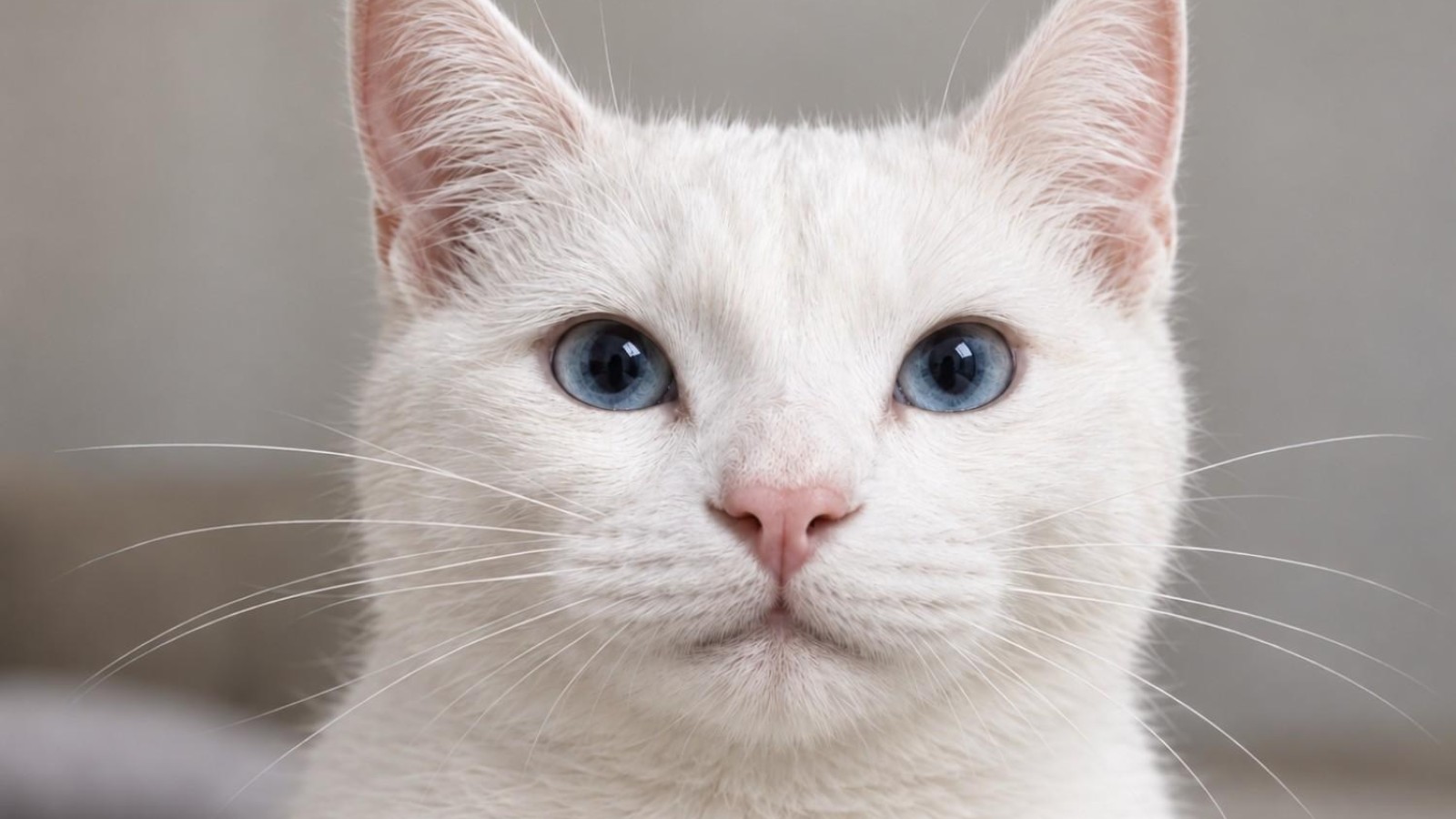
In testing, a simple doodle of a cat drawn with a computer mouse was successfully turned into a realistic photo, following the accompanying instructions. The tool is designed to work even when the original drawing is rough or unpolished, translating a basic outline into a more detailed AI-generated picture.
Additional image features
Alongside Sketch, the update introduces the ability to leave comments directly on specific parts of images. This gives users a more precise way to refine and adjust generated pictures, pointing to particular areas rather than describing changes for the whole image at once.
The combination of drawing input and targeted comments reflects OpenAI’s move towards more interactive image creation within ChatGPT, giving people multiple methods to communicate what they want the model to produce. The ChatGPT Images 2.5 release brings these tools together in a single workflow, from initial doodle to finished picture.
The Sketch feature is activated by typing @Sketch into the chat box, opening a drawing window where users can begin creating their image.
Source
Image: theverge.com