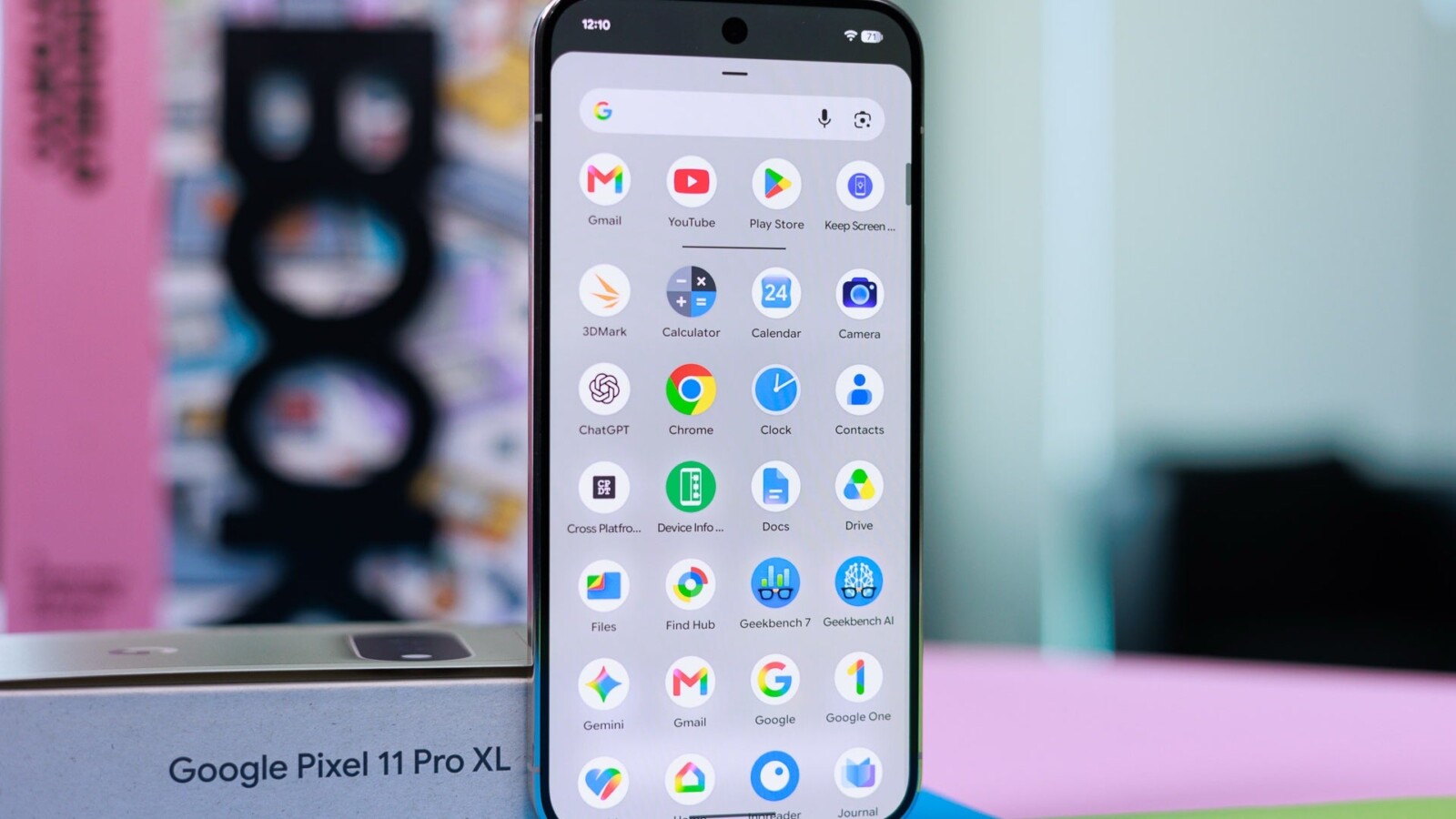
Pixel owners are voicing frustration after Google made Gemini the sole voice assistant on Android phones, replacing Google Assistant entirely. Across the range, from older Pixels to the new Pixel 11 Pro, users report that straightforward hands-free tasks such as setting timers and reminders have stopped working, and some say they are ready to abandon Pixel handsets altogether.
The discontent gathered pace on the r/GooglePixel community, where a long-time owner of roughly ten Nexus and Pixel devices announced they were finished with Android. Their breaking point was asking for a reminder by holding the power button, only for Gemini to respond with a lengthy explanation of why it could not comply. The post attracted close to 680 upvotes and more than 640 comments within five days, indicating the complaint is far from isolated.
Why Gemini asks for more than Google Assistant did
Google Assistant operated from a set of fixed commands, so a request like “remind me at 8” behaved the same way every time. Gemini treats each request as a conversation and passes the actual task to separate connected apps. Reminders are routed to Google Tasks, and Gemini cannot reach those apps unless Keep Activity is enabled, the setting that saves Gemini chats to the account.
Alarms, timers and media are handled through a connected app called Device Assistance, while functioning without unlocking the phone is a separate opt-in. This explains much of the backlash, as the original poster later said they would not grant Gemini that level of access, meaning the assistant could not set the reminder at all.
Switching phones offers limited escape. Apple confirmed earlier this year that Google’s technology underpins its new Siri, with the Siri in iOS 27 running on Apple Foundation models built using Gemini technology. Samsung, meanwhile, gave Bixby a larger role on the Galaxy S26 series as a voice agent that changes settings and navigates the phone, alongside Gemini and Perplexity.
How to restore Gemini timers and reminders
Those who want to keep hands-free timers and reminders can enable several settings within the Gemini app. First, ensure Keep Activity is switched on in Gemini’s activity settings, since reminders will not function without it. Next, open Connected Apps in Gemini’s settings and turn on Device Assistance for alarms, timers and media control.
When asking Gemini for a reminder, accept the prompt to connect Google Tasks if it appears. Finally, go to Settings, then Gemini on lock screen, and turn on “Use Gemini without unlocking” so timers work while the phone sits on a surface untouched.
Google removed Assistant before Gemini could reliably manage a timer, and a basic reminder now depends on agreeing to save chat activity through Keep Activity.
Source
Image: phonearena.com