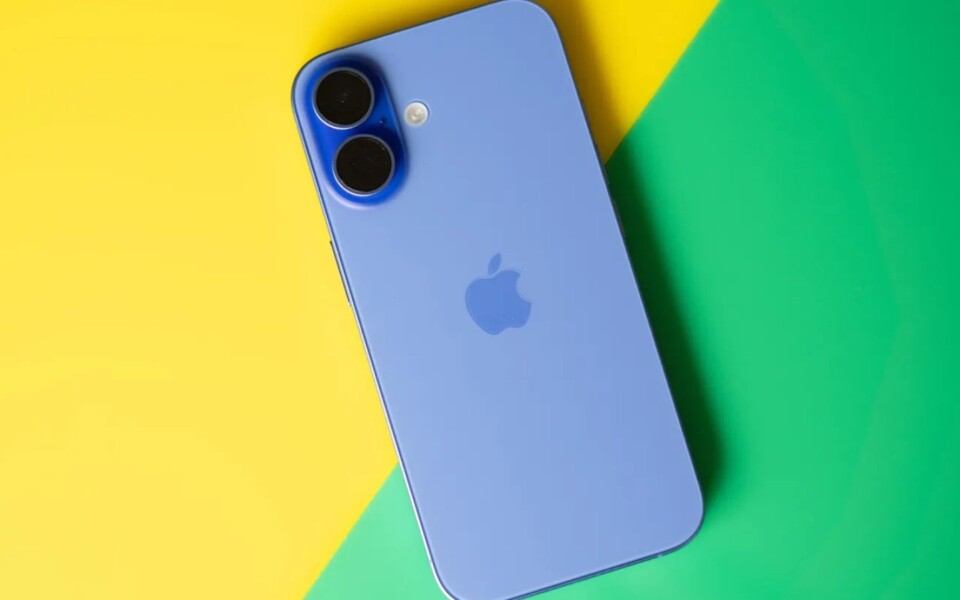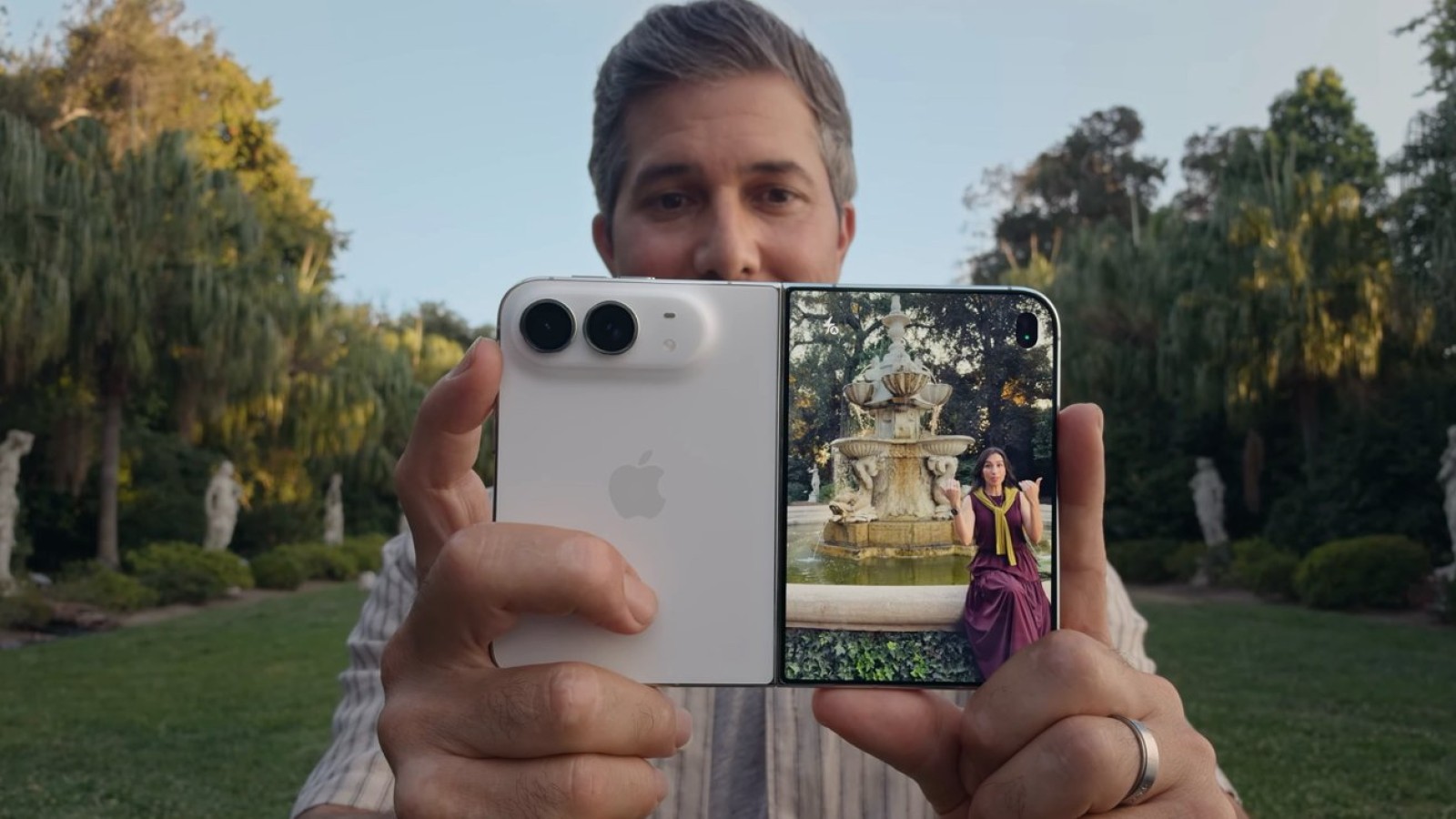
The iPhone Duo arrives with two displays and expanded multitasking options, yet those capabilities do not extend to playing two videos simultaneously. Despite the dual-screen hardware, the device retains a long-standing limitation found across Apple’s mobile platforms.
How audio priority shapes the experience
Anyone who has scrolled a social media app while listening to music will recognise the issue. The music often pauses without warning because the social media app takes over as the primary audio provider. Only one application can hold that role at any given time.
The same behaviour applies to video playback on iPhone and iPad. When a second video begins, it claims the audio channel, forcing the first to stop. This is a system-level design choice rather than a hardware shortfall, and it carries over to the new device.
What the dual displays actually allow
The two displays on the iPhone Duo open up additional ways to arrange apps and work across screens. Even so, features such as picture-in-picture, split view and the dual-screen layout do not permit two videos to run at the same time.
The restriction holds regardless of how content is arranged on screen. A user can position apps side by side or across both panels, but the audio provider rule still governs playback. As a result, starting a second video will always interrupt the first, mirroring the way multitasking already functions on existing iPhone and iPad models.
Source
Image: appleinsider.com