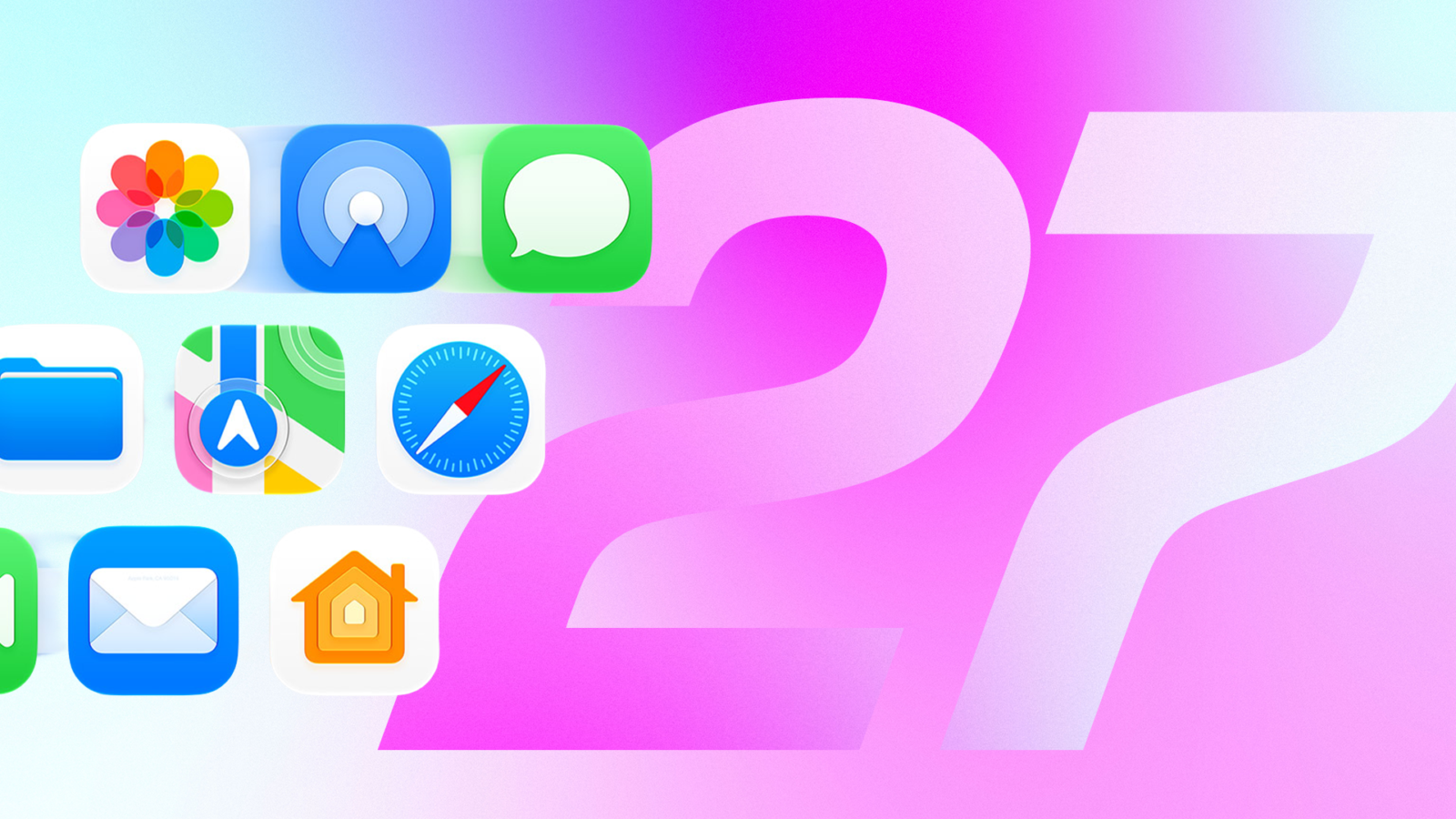
iOS 27 is now available to download, having been released on Monday 14 September. While much of the attention has focused on Siri AI, the update also introduces several additional features, even if they aren’t especially groundbreaking.
You can install iOS 27 now by going to Settings > General > Software Update > Update Now and following the prompts on screen.
Having used the iOS 27 betas since June, the update reveals a handful of useful new features, including a new Liquid Glass slider, alongside a revamped Siri. Overall, the phone feels snappier, with apps opening almost instantly.
Apple’s iOS 27 delivers plenty of quality-of-life upgrades without as many standout additions as previous releases, much like Liquid Glass in iOS 26. There are also a few questionable changes, such as a new way to access the Notification Center. On the whole, iOS 27 is an unassuming update filled with subtle improvements you might not notice unless they are pointed out.
Siri gets an AI overhaul
The latest update makes it easier to hand over daily digital tasks to Siri, such as looking up driving directions or checking your schedule. Despite a few flaws, Siri performed well when asked to plot a route in CarPlay, find a cake recipe and carry out a number of other simple tasks.
In iOS 27, Siri AI is disabled by default, so you have to enable it if you want to use it. To do so, tap Settings, then Siri, then Try New Siri.
It can take time to move from being waitlisted to being able to ask Siri AI for a gift recommendation based on a text thread. Siri AI remains in beta even after the public release of iOS 27, so you could encounter bugs or unusual behaviour, and it remains an opt-in experience.
Siri AI is only available on Apple Intelligence-compatible devices. iPhone 14 models or older, along with the iPhone 15 and 15 Plus, cannot access the enhanced assistant.
New Liquid Glass slider and one questionable option
After Apple launched Liquid Glass in iOS 26, the company added ways to adjust transparency to address readability issues. With iOS 27, you can get as close to disabling the design as possible thanks to a new Liquid Glass slider. After installing iOS 27, you are offered the option to adjust how liquid or glassy you want the interface to appear.
If you skip that screen, you can find the slider by tapping Settings, then Appearance, then Liquid Glass. From here, you can make Liquid Glass elements more or less transparent by dragging the slider. Siri AI is only available on Apple Intelligence-compatible devices, and it remains in beta following the public release of iOS 27.