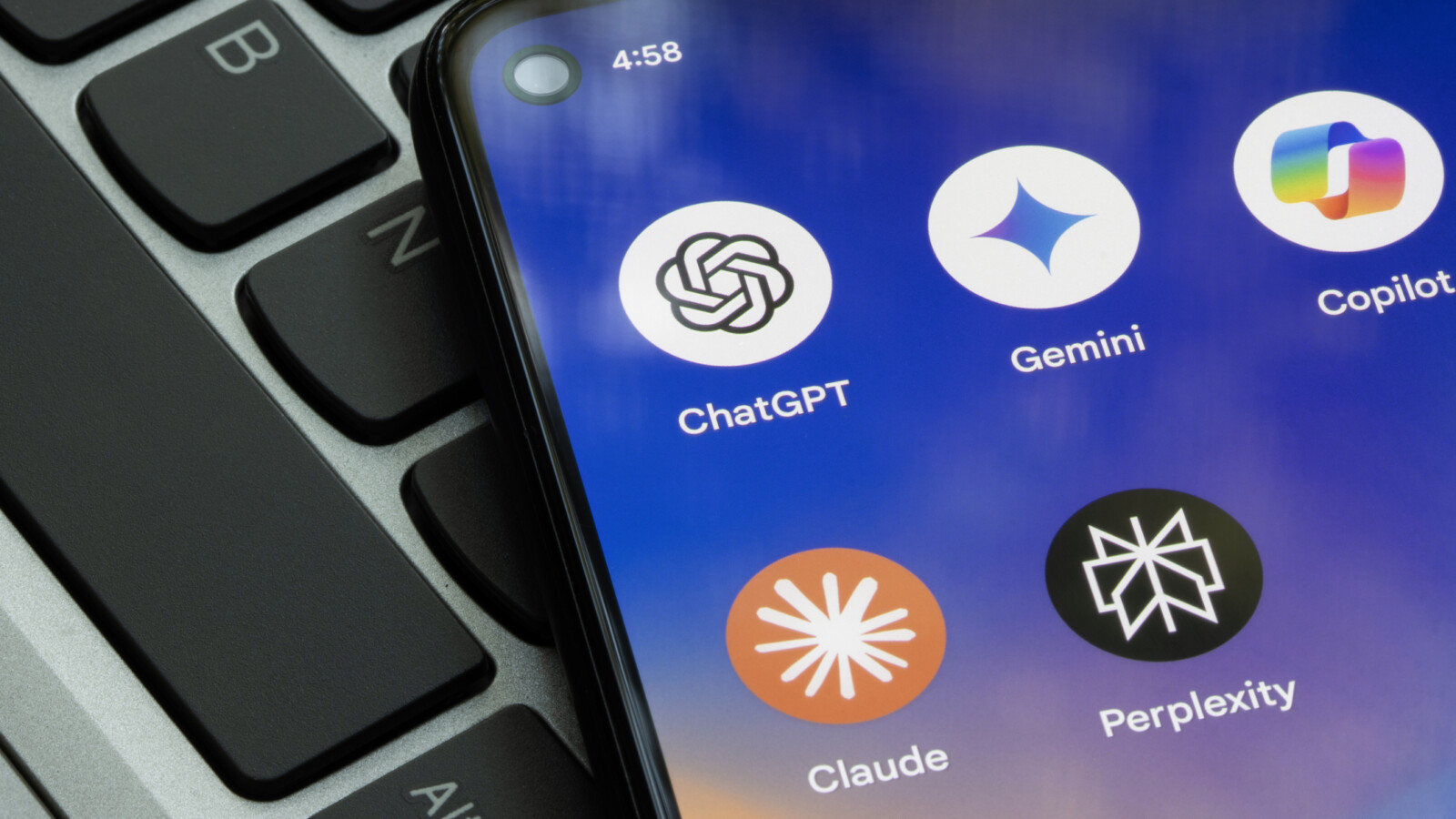
Customising your AI tools can significantly improve the quality and tone of the responses you receive, whether you use ChatGPT, Google Gemini or Claude AI. Rather than repeatedly searching for and refining prompts to reach the answer you want, most AI chat platforms include built-in settings that act as a permanent instruction manual for how the tool interacts with you.
Common frustrations with AI chat tools include hallucinated answers, overly flattering replies, and responses cluttered with bullet points and emoji when a simple answer was requested. The good news is that these behaviours can often be adjusted through options tucked away in each platform’s settings.
Finding the personalisation settings
To reach these controls, start by clicking your username within the open chat window of most AI chat tools. You will usually find an option labelled personalisation or personal intelligence. This is the starting point for all customisations and serves as your command centre for better prompt results.
ChatGPT offers a range of options, including how warm and enthusiastic its responses are, whether emoji should be removed altogether, and how the tool refers to you during sessions. Google Gemini takes a more open-ended approach with its Personal Intelligence feature, accessed in the same way. Instead of presenting a list of toggles, Gemini operates only on custom instructions that you write yourself.
Claude AI also lets you select a style of communication in its settings and add custom instructions for how it should build responses. Claude offers several additional customisation capabilities, including chat fonts, voice styles and the option to provide specific instructions in the same manner as ChatGPT and Gemini.
Setting the tone of your AI responses
Each AI chat tool has its own default voice, and each can be adjusted to suit your individual preferences. In ChatGPT, the default setting is an average level of warmth, and you can move the friendliness from a casual, familiar tone through to a fact-focused, professional one. Adjusting the enthusiasm controls offers a range from energised and excited to calm and neutral, and a further switch allows you to increase emoji use or remove it entirely.
Gemini and Claude are more self-guided and require you to write your own specialised set of instructions to specify the kind of tone you would like your chats to take. This means investing a little time upfront to describe your preferences, after which the tool applies them consistently across future sessions.
By setting these preferences once, rather than reshaping every individual prompt, you can reduce repetitive effort and tailor how each AI tool communicates. The personalisation options are available within the settings menus of ChatGPT, Google Gemini and Claude AI.