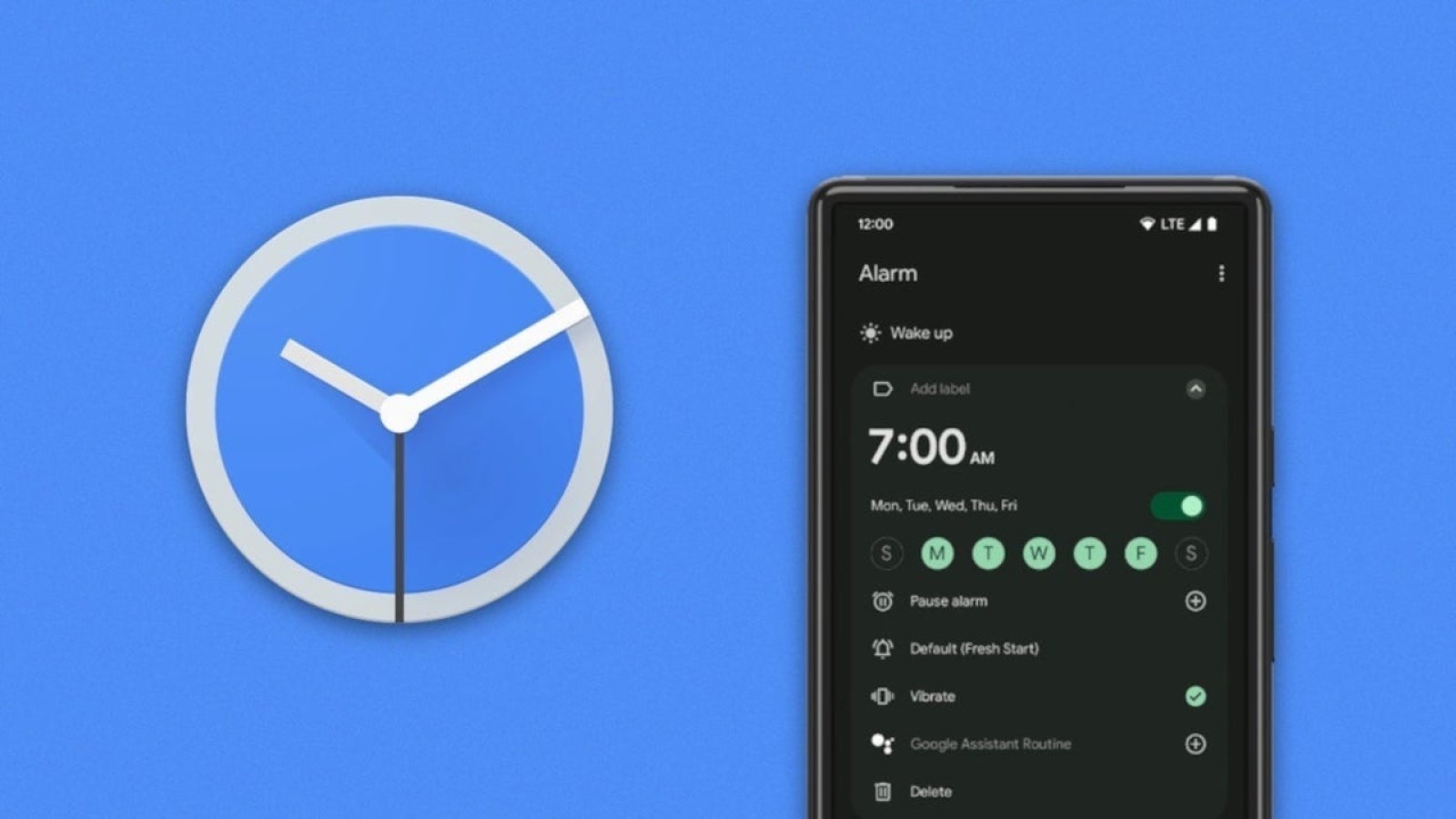
The Google Clock app is receiving a redesigned timer interface that aims to make setting and tracking timers simpler on Android devices. The multi-functional app combines a world clock, an alarm clock, a timer and a stopwatch, and also lets users set a daily bedtime and wake-up routine.
The latest changes focus squarely on the timer section, introducing a cleaner layout and new shortcuts that reduce the number of taps needed to get a countdown running.
What Has Changed in the Timer Interface
Google has removed the circular background that previously sat behind each numeral on the number pad used to enter a timer manually. The rounder-looking figures have been replaced with a sharper set of numerals, giving the interface a crisper appearance.
For those in a hurry, the app now offers preset timer options for 1-minute, 5-minute, 10-minute and 15-minute durations. These shortcuts allow a new timer to be started almost instantly, without needing to type in a length by hand.
The way multiple timers are displayed has also been reworked. Rather than swiping across an existing timer to reveal the others you have set, the updated app lets you view them all together. Swiping down using the handle at the top of the timer closest to finishing brings up a grid view showing every timer side by side as they count down towards 0:00, making it easier to keep track of several at once.
How the Update Is Rolling Out
The new interface arrives with version 9.1 of the Google Clock app. It appears to be a server-side update, which means that having version 9.1 installed does not guarantee immediate access to the redesigned timer. In practice, a device may already be running the correct app version while still displaying the older layout, with the new design activated by Google at a later point.
For users who already have the right version but have not yet seen the change, the only option is to wait for Google to enable it remotely. Those without the app installed can download the Google Clock app from the Google Play Store.
The redesigned timer builds on Google’s ongoing efforts to refine its core Android applications, and the new preset options and grid layout together streamline one of the most frequently used features of the Clock app. The update is being distributed alongside version 9.1 of the app.
Source
Image: phonearena.com