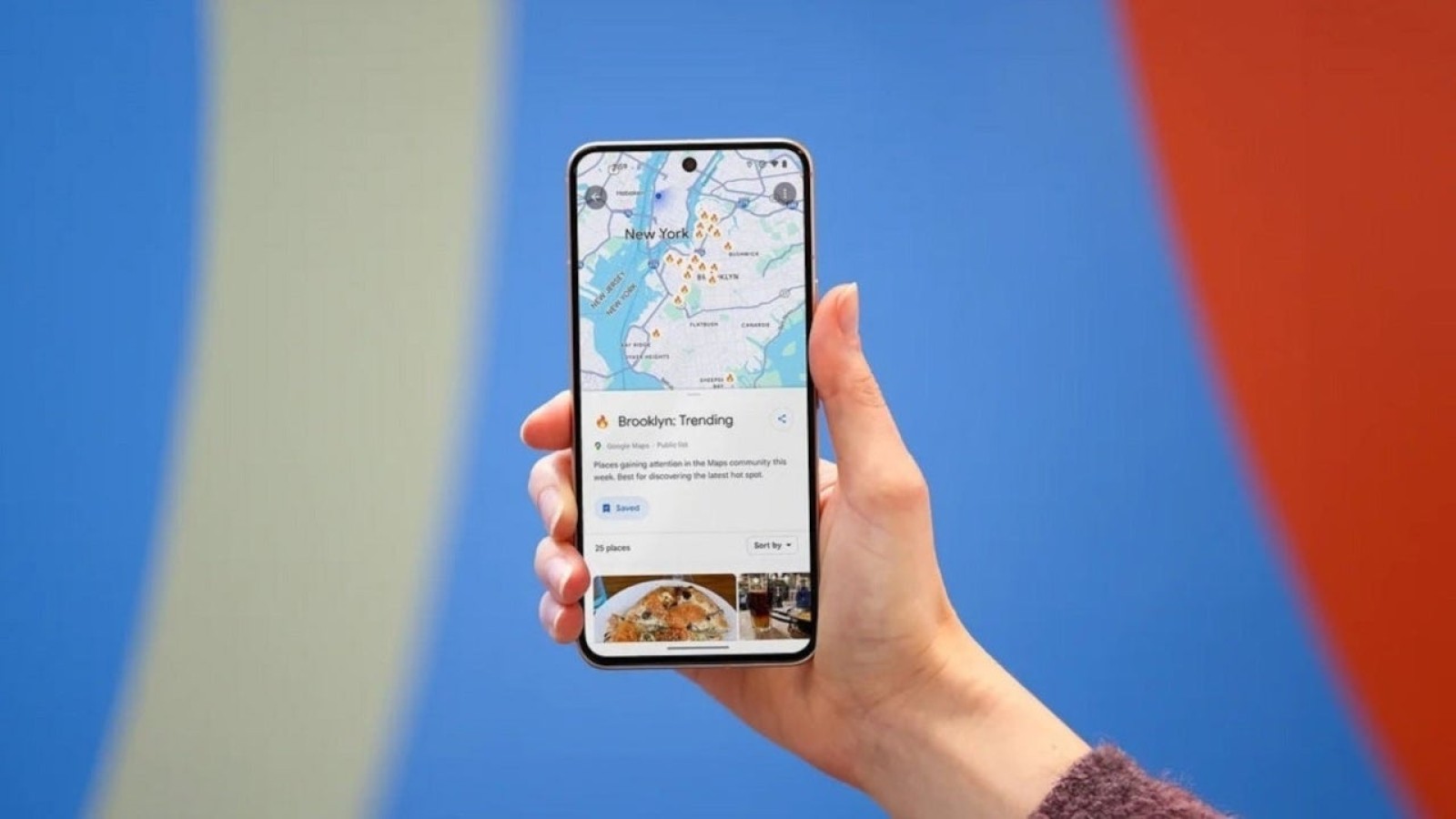
Google Maps is reportedly glitching for owners of the latest Pixel 11 series when the app is used through Android Auto, with the faults serious enough to raise safety concerns while driving.
The Pixel 11 range is the most recent flagship line from Google. Owners are describing a low frame rate, a continually flickering screen, and, in some cases, a frozen black display when navigating with Google Maps on Android Auto. Reports also mention unusual graphical artefacts appearing on the car’s screen.
What drivers are experiencing
One affected user reported that during a 30-minute journey, the portion of the screen showing the map turned into pixelated black static for a split-second roughly five to ten times. The same person noted that the device did not become hot, suggesting the fault is not a thermal issue, and said Google Maps had worked without problems when a Pixel 9a was used in the same vehicle.
A separate report described severe lagging after installing the September update, with Google Maps said to be as much as half a mile behind the driver’s real-time position. The bug has also been observed on the Pixel 11 Pro Fold. The problem appears to be specific to Google Maps, as other apps running in split-screen mode have not shown the same behaviour, and it occurs with both wired USB and wireless Android Auto connections. Running Google Maps directly on a Pixel 11 handset, away from Android Auto, is not causing any issues.
Workarounds and a possible fix
Several attempted fixes were found to be unsuccessful, including clearing the app cache, restarting the phone, disabling Wi-Fi and Bluetooth scanning, and reinstalling both Android Auto and Google Maps.
Other suggestions that have been shared include setting Google Maps battery usage to Unrestricted in the phone settings to stop the operating system from throttling video rendering when the screen locks, switching Google Maps from Satellite or 3D terrain view back to 2D terrain to reduce the video encoding load, and keeping the Pixel screen on and the device unlocked while driving to prevent lock-state rendering problems.
Users affected by the fault are advised to run Google Maps on an older Pixel model or to use a different mapping app in the meantime. A software update to address the bug appears to be in development, based on posts from a community specialist on the Android Auto team.
Source
Image: phonearena.com