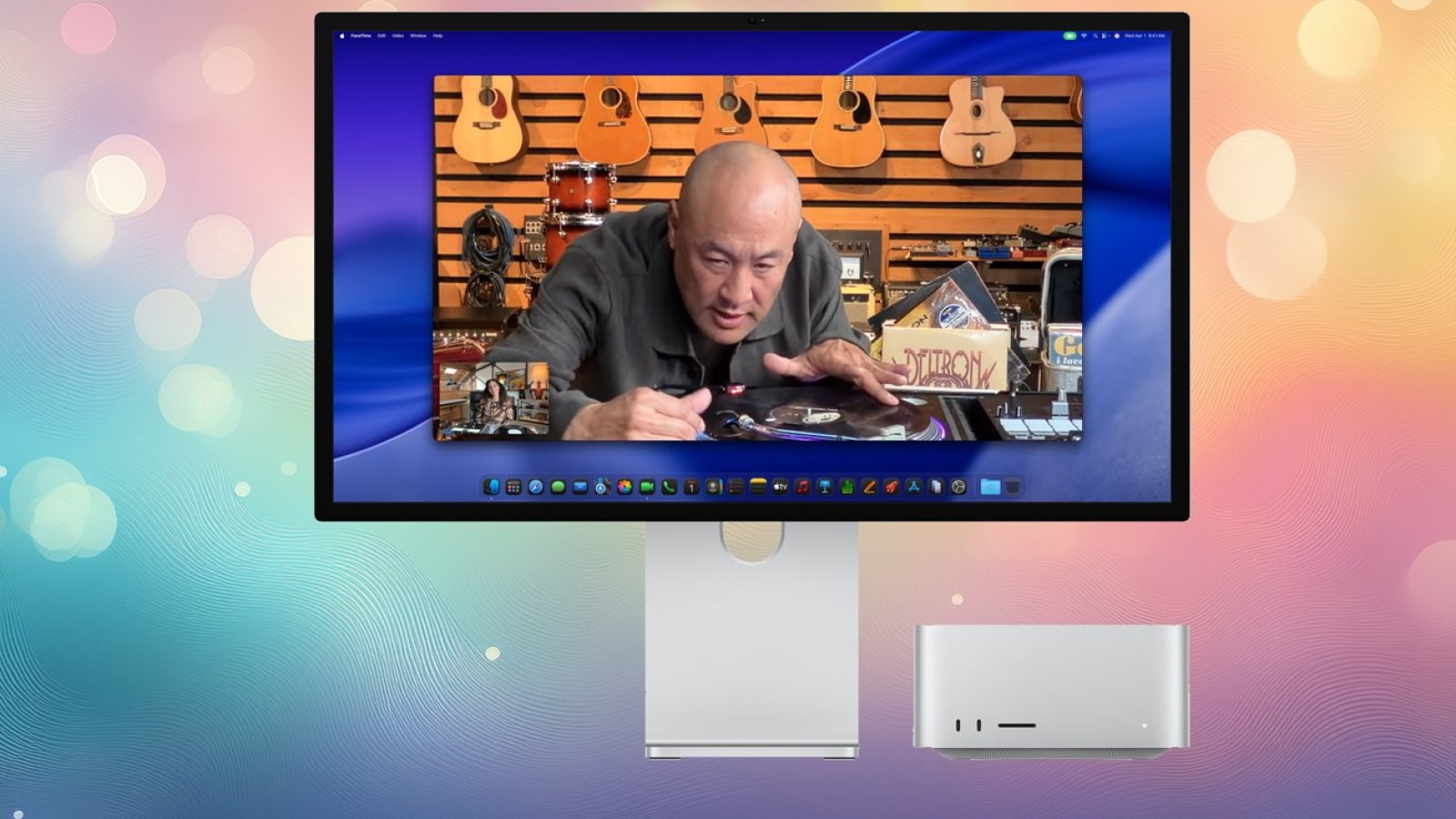
Retina-class displays remain a priority for anyone building a desktop setup around a new Mac. While there are thousands of external monitors on the market, only a small fraction meet the criteria required to be considered a true Retina display, giving buyers a focused set of choices at nearly every price point.
Options range from smaller 4K models through to Apple’s high-end Studio Display XDR, so there is scope to match a monitor to almost any budget and workflow. For those planning to invest in a new Mac mini or Mac Studio, upgrading the display is a sensible next step, and the current market offers plenty of variety.
Why Retina quality matters
Not every external monitor delivers Retina-level clarity. Because of the way Apple handles hiDPI monitors without additional software, some users encounter issues with text crispness. This does not affect everyone, but where it does, the difference in day-to-day readability can be noticeable, particularly for tasks that involve extended reading or detailed work.
Users who prefer not to install third-party utilities such as BetterDisplay will find that certain monitors stand out as clear choices. Selecting a display designed to work cleanly with macOS scaling helps avoid the compromises that can otherwise appear on lower-resolution panels.
Choosing the right display for your Mac
The breadth of available options means there is a suitable panel for most needs, whether the priority is compact 4K sharpness or the premium performance of the Studio Display XDR. Buyers pairing a monitor with a Mac mini or Mac Studio should weigh resolution, panel quality and how the display handles hiDPI output when making a decision.
With a wide selection spanning multiple price brackets, the current line-up covers everything from affordable 4K screens to Apple’s flagship professional display, allowing each setup to be tailored to specific requirements in 2026.
Source
Image: appleinsider.com